
FAQs
-
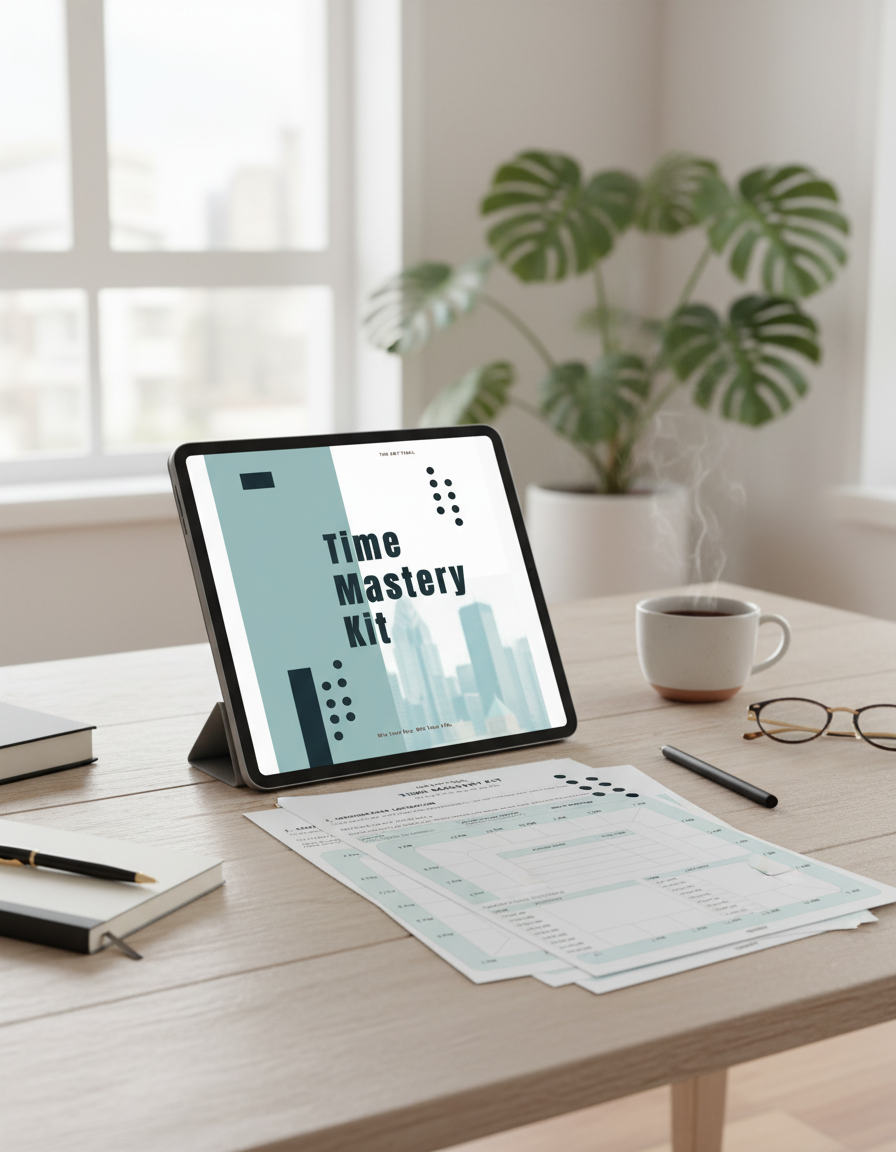
They are designed for both. You can print them at home, or use them on a tablet in an app like GoodNotes or Notability.
-
Any PDF annotation app works. Most people use GoodNotes or Notability on iPad, but you can also use Noteshelf, Xodo, or PDF Expert.
-
You will receive a digital download. For the Weekly Scheduler, the download is delivered as a ZIP file that includes multiple versions for different use cases. For the Time Mastery Kit, you receive a printable PDF and a tablet friendly PDF.
-
Yes, you can print as many copies as you need for personal use.
-
First, make sure you are downloading from a computer if possible, then unzip the folder before opening the files. If you are on a phone, you may need a files app to unzip downloads. If you still need help, use the contact form on the website and we will support you.